

“Give me move-ins, move-outs and delinquency by store, grouped my way.”
Any size
The windshield report
Read between sites before the day starts.
NewTenant MCP · for Hummingbird® operators
Occupancy, revenue, rates, delinquency: ask in plain English, from anywhere, and get the answer in seconds. No exports, no report builder.
Read-only. Signs in with your own Hummingbird login.

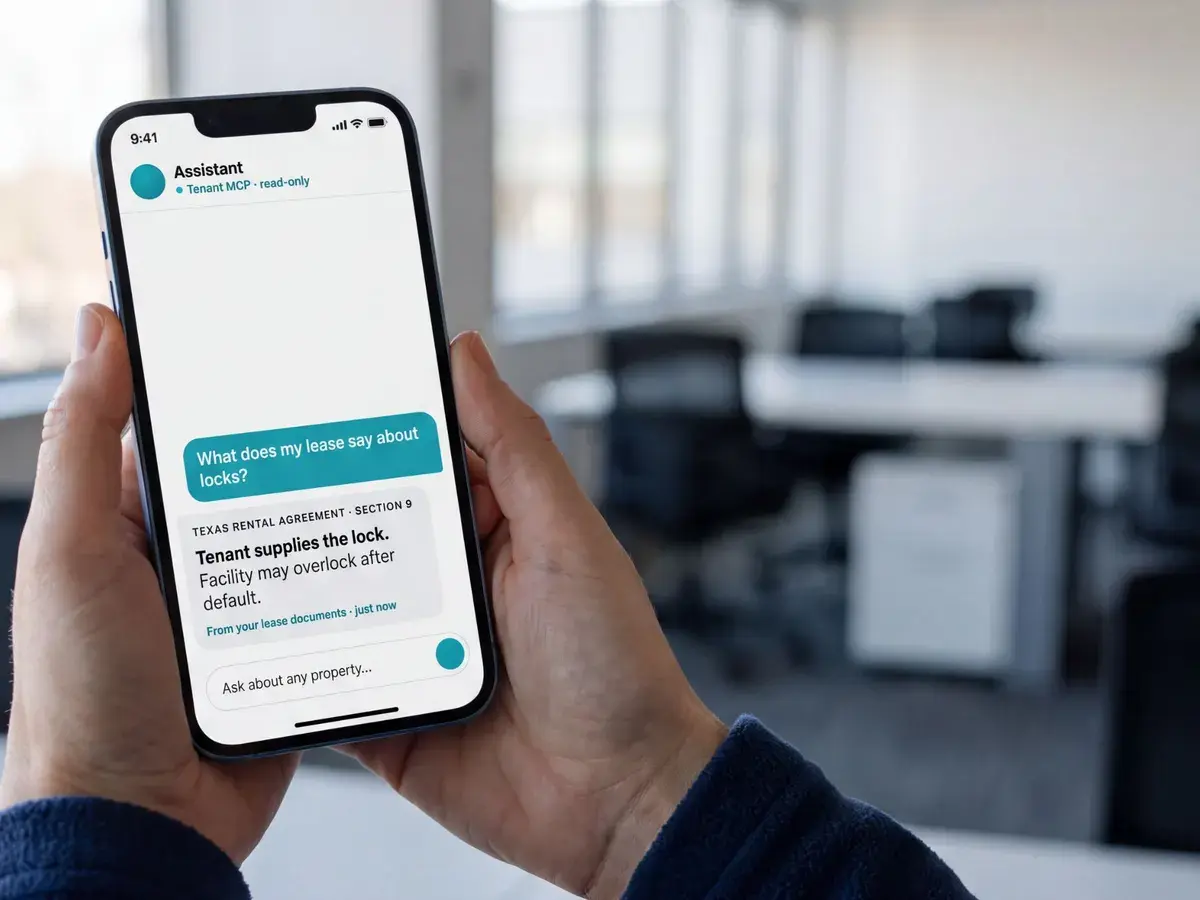
Illustrative example. Your AI answers from your own Hummingbird data.
The answer, the moment you need it
Tenant MCP is a secure connector built on MCP, the open standard that lets AI assistants work with business systems.
Plug it in and your AI reads your live Hummingbird data: units, rates, occupancy, payments, leases, documents, and more to come. Read-only by design, so it can answer anything and change nothing.

Decide the same minute
“What was my facility revenue in July?” One prompt. No report builder, no spreadsheet, no waiting on someone else.
Expertise embedded
15 built-in tools for what operators actually ask: find a tenant, price a space, check occupancy, run a report, read a lease.
Safe by default
The AI sees what you can see, through your own Hummingbird login, and can change nothing.
How operators use it
“Give me move-ins, move-outs and delinquency by store, grouped my way.”
Any size
Read between sites before the day starts.

“Which unit sizes are nearly full but still at the old standard rate?”
Revenue
One prompt per store. Rates that keep up.
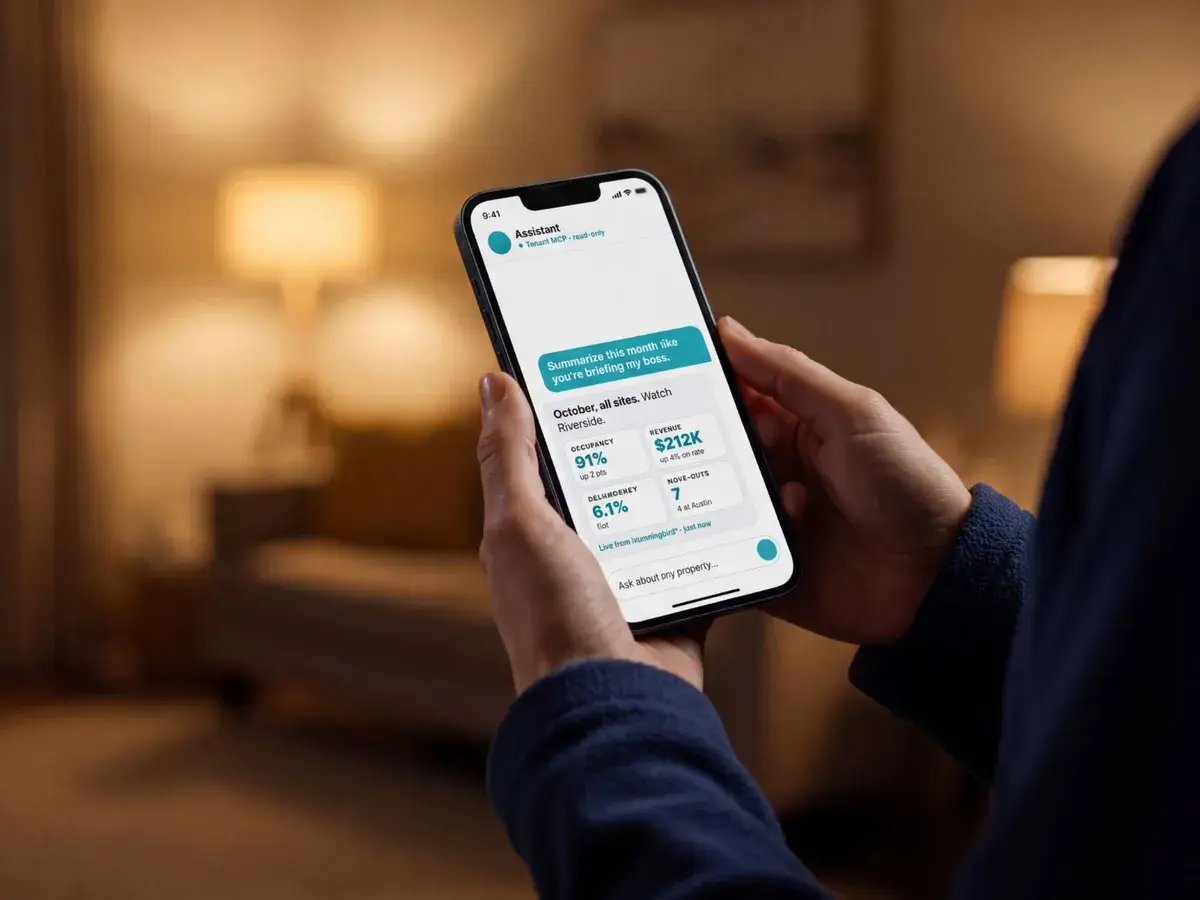
“Build me the snapshot my boss wants, in the boss’s format.”
Multi-facility
Ready before the coffee order arrives.
Your portfolio, your format, one prompt.
Getting started
In your AI’s settings, click to add a new connector and choose Tenant MCP.
mcp.tenantinc.comYour company subdomain and your own login. Read-only.
Your login. Your scope.Don’t know where to start? Ask the AI itself. It will show you.
“What can you do with my Tenant data?”Ask it anything
Your AI already knows what it can do with your Hummingbird data. Ask “How can you help me?” and it lays out the ground it covers, then suggests where to start based on your own portfolio.
Built to be trusted
Before you connect
So your business data is never used to train the AI.
Your data, your responsibility
Connecting AI to Hummingbird shares your data, including your tenants’ personal information, with a system Tenant does not control, and AI can make mistakes. That’s why Tenant MCP is read-only.
No edits, no payments, no moves. Your AI looks, it never touches.
The AI sees exactly what your Hummingbird user can see, and nothing more.
MCP works across leading AI assistants, so you’re not locked into one.
Questions
Yes. Tenant MCP connects to Hummingbird and signs in with your company subdomain and your own Hummingbird login.
Claude, ChatGPT, Grok, and any AI assistant that supports MCP, the open standard for connecting AI to business systems.
No. Tenant MCP is read-only by design. Your AI can answer questions about your data but cannot edit, move, or charge anything.
Exactly what your Hummingbird login can see: units, rates, occupancy, payments, leases, documents, and more to come. Nothing beyond your own permissions.
Turn off model training in your AI app before you connect. In Claude: Settings → Privacy → Help improve our AI models. In ChatGPT: Settings → Data controls → Improve the model for everyone.
Add the Tenant MCP connector in your AI’s settings, log in with Hummingbird, and ask your first question. Book a meeting below and our team will help you get connected.
Get Tenant MCP
Book a meeting and our team will get you connected to Tenant MCP and the Tenant Intelligence Bundle.
Tell us where to reach you and we’ll set up a time.
Loading form… If it doesn’t appear, book a meeting here.